AnyCAD info by @Cadassist
Autodesk AnyCAD – Making light work of CAD interoperability

AnyCAD info by @Cadassist
Lean, Design & Manufacturing Specialist
AnyCAD info by @Cadassist

Take Revit to the next level – Dynamo (software not the Magician)
And here is a great webinar to expand on this subject.
https://www.youtube.com/watch?v=GMo5Q2vydRI
Let me know what you think

Dynamo is a free-to-access visual programming extension which effectively takes Autodesk Revit to the next level by opening up the world of computational modelling. Computational BIM allows Revit users to:
An increasing number of Cadassist clients are using Dynamo with exciting results, saving large amounts of time by improving the transition from concept to design, exploring more design alternatives and introducing more automation to reduce rework. Take a look at our webinar on Dynamo that includes real-world examples from Kohn Pedersen Fox, AHMM, BDP and Grimshaw Architects.
To help Revit users take advantage of this transformational technology, we launched a new range of Dynamo courses in November 2015. So far, the feedback has been terrific. Here is an example:
“Absolutely fantastic . . . the Advanced Data Management course in particular has huge…
View original post 93 more words
Re-blogged from CADblog.co.uk

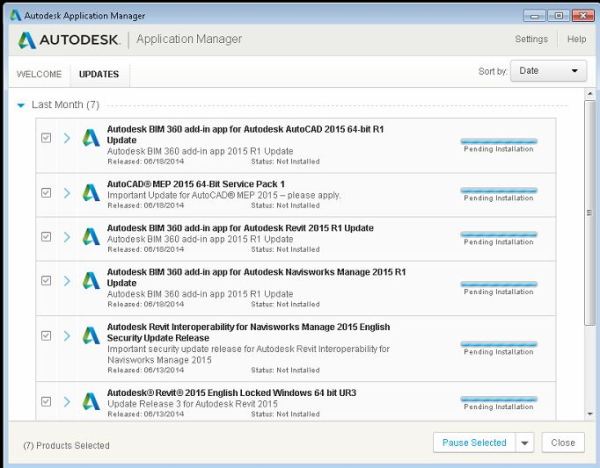
As you may know the Autodesk applications manager is a content delivery solution for all of your product updates. It sits in the bottom corner of your PC popping up every now and again with a big list of all of the updates available for your products, which is great. It kept your Autodesk software up to date with service packs, hotfixes and security updates, unfortunately it lumped everything together in one long list and could be quite frustrating if you only used Inventor from your product design suite but there were updates for all of the other software packages in the list that you had to go through to get to the ones you actually needed.
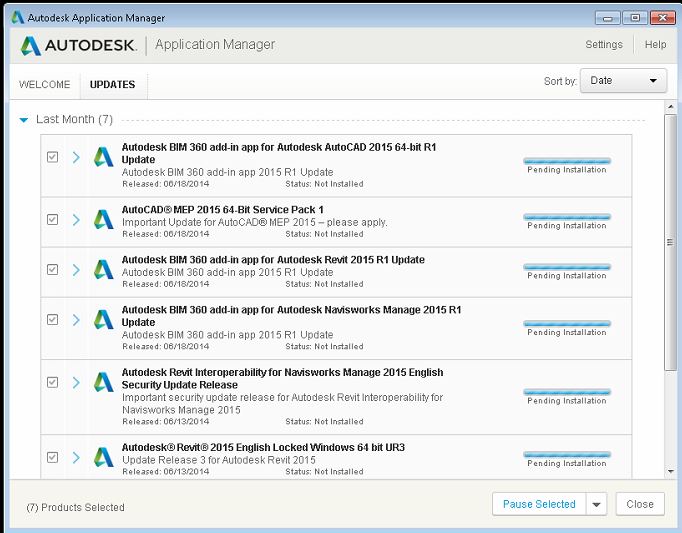
With the release of Autodesk’s 2017 (and backwards to 2015 releases) product offerings this system is being replaced with the Autodesk Desktop Application. It’s the same thing; content delivery, but different, granular updates…
View original post 335 more words

I woke up this morning, looked out of the window and saw the weather. It's a rotten day outside. It's rain and sleet, the sky is gray and you know what I just don't care. Today is the day I get married to the person I fell in love with the first time I saw... Continue Reading →

Autodesk Inventor uses Extensible Mark-up Language (XML) files as a means of storing style information externally from Autodesk documents. Styles have been stored externally using XML since the 2012 release. This is to reduce file bloating on larger assemblies. Imagine if you will, a 10000 part assembly with a different set of styles stored in each individual part.... Continue Reading →

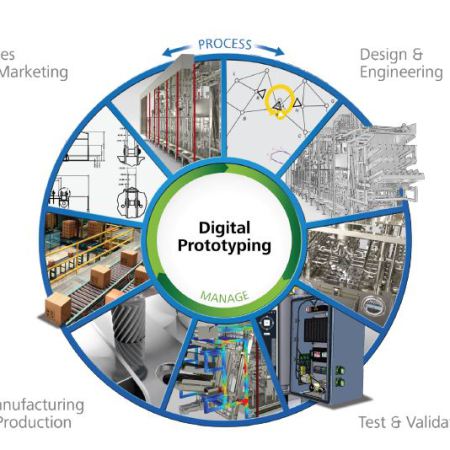
To Suite or not to Suite? That is the Question.
Generally when you buy a suite of something you get more “Bang for your buck”.
Standard room vs a Suite 
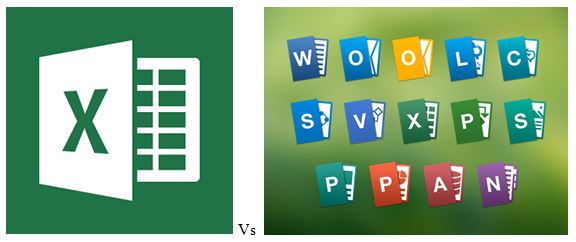
Microsoft Word vs Microsoft Office
Inventor vs Product Design Suite
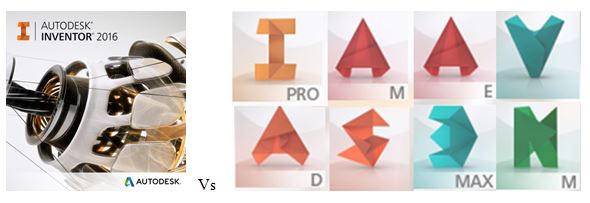
It’s clear that you get more for your money, but what are the real life advantages? Here are my top 5 reasons for buying a Product Design Suite over individual component software.
View original post 319 more words
 LeanintoDesign